I was studying Brian W. Kernighan’s Understanding the Digital World and wanted to turn its ideas into something I could manipulate. Digital Discovery Lab pairs short explanations with working presets, editable inputs, and a reset button, so each experiment starts with a clear example and leaves room to explore.
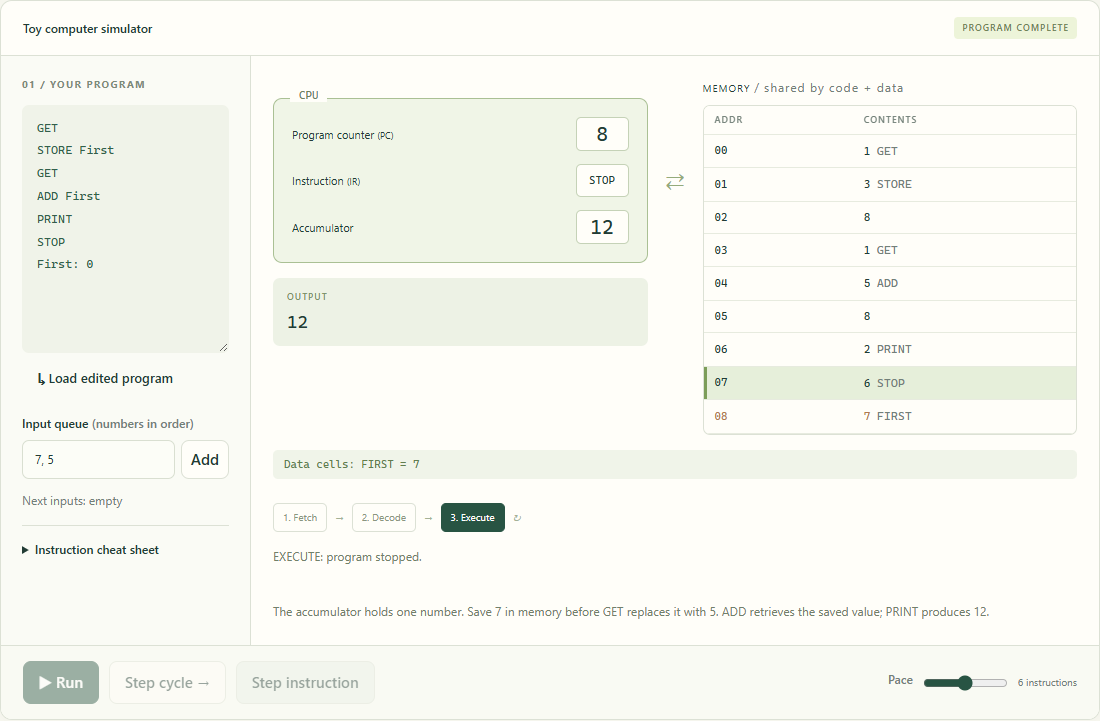
The Toy computer shows the program counter, instruction register, accumulator, and memory together. Write a small program, change its input, and step through fetch, decode, and execute to see how instructions produce an answer. Other labs make binary numbers, text encoding, logic gates, pixels, and search algorithms tangible.
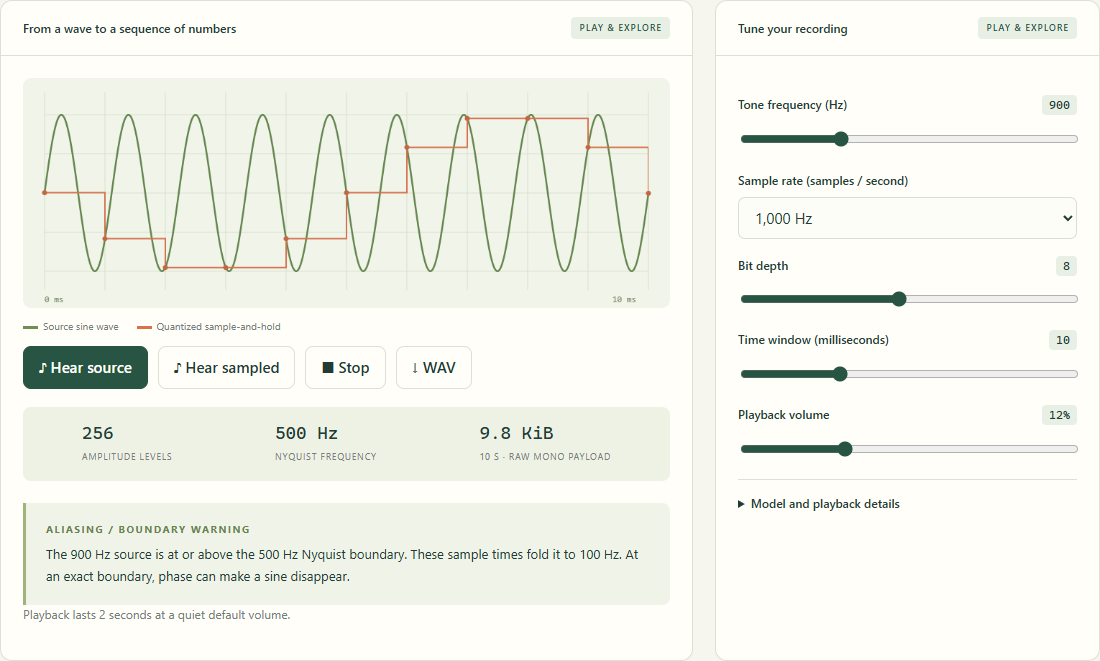
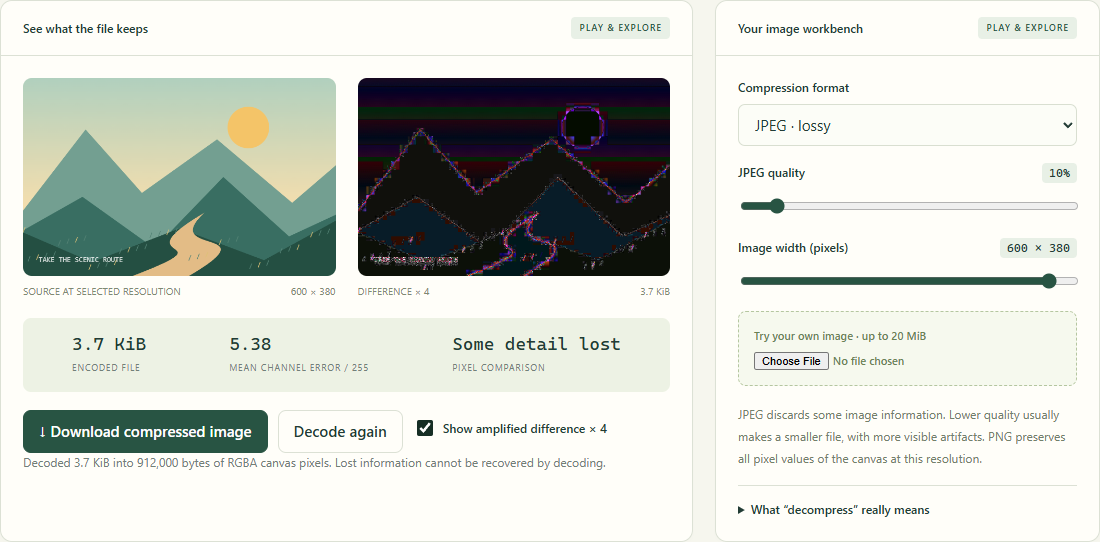
The media experiments use real browser encoders. Upload an image to compare JPEG and PNG, compress and decompress a file with gzip, export an animated GIF, or adjust a sound’s sample rate and bit depth. Pixel differences, recovered bytes, and audible changes connect each setting to its result.
The lab runs independently on Cloudflare. Files stay in the browser, no account is required, and the source can be kept and hosted elsewhere. It is an independent study companion with original explanations and clearly described teaching models.
Inside the project
- Ten interactive labs with explained presets and resets
- Editable Toy programs with CPU phase and instruction stepping
- Bit toggles, Unicode encoding, truth tables, and pixel painting
- Local image uploads with JPEG/PNG and pixel-difference comparisons
- Lossless file round trips, GIF creation, and WAV downloads
- Audio sampling, quantization, aliasing, and step-by-step search